![Malartu.png]](https://help.malartu.co/hs-fs/hubfs/Malartu.png?height=40&name=Malartu.png)
First, login to your Google Analytics account.
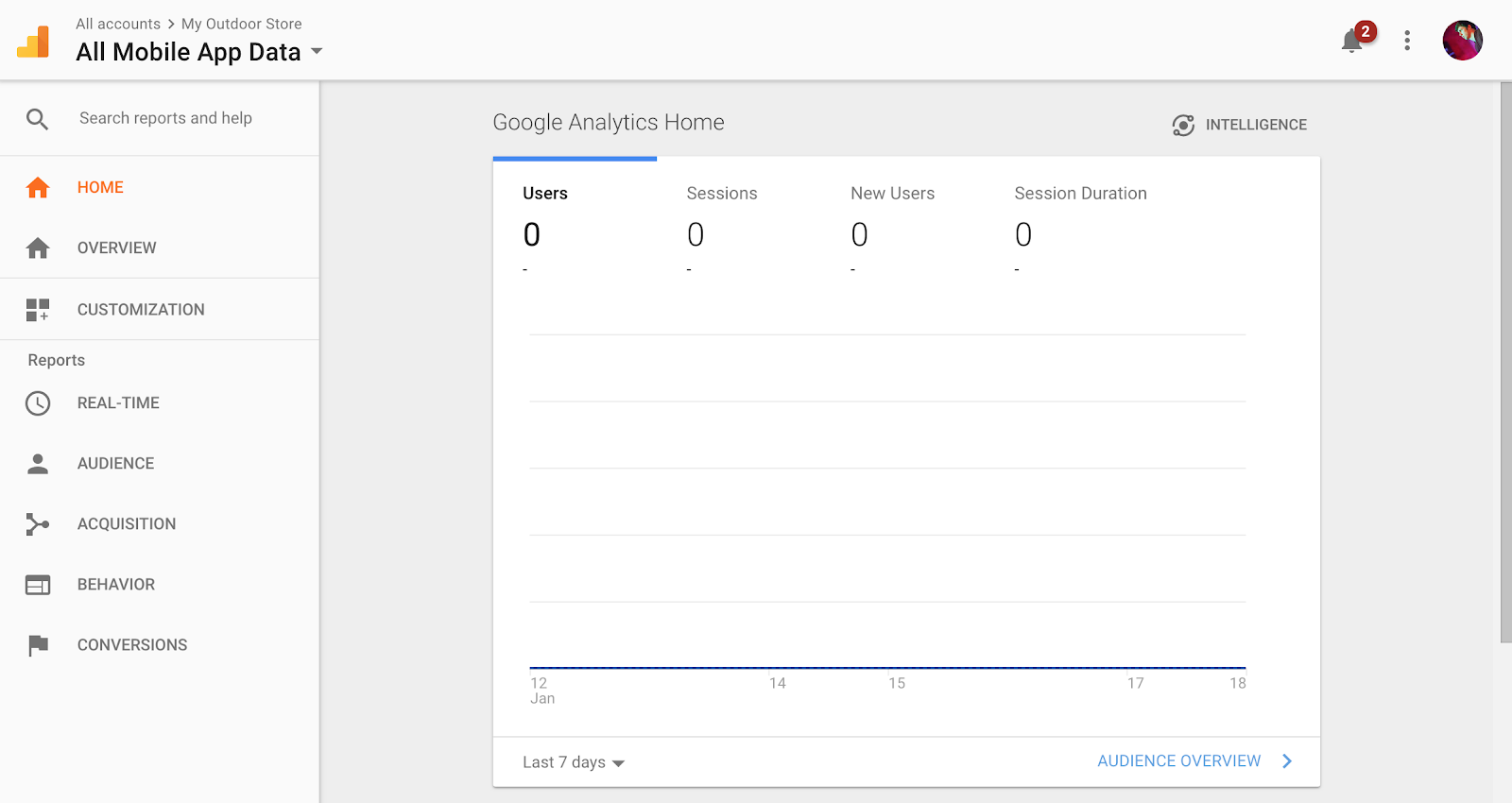
After you're logged in, you should see a screen like this:
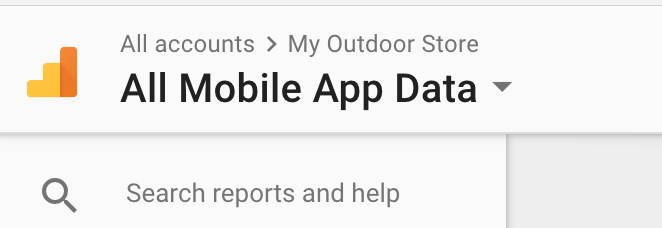
Click the logo and property name in the top left corner of the screen:
From this screen you should see Analytics Accounts > Properties & Apps > Views
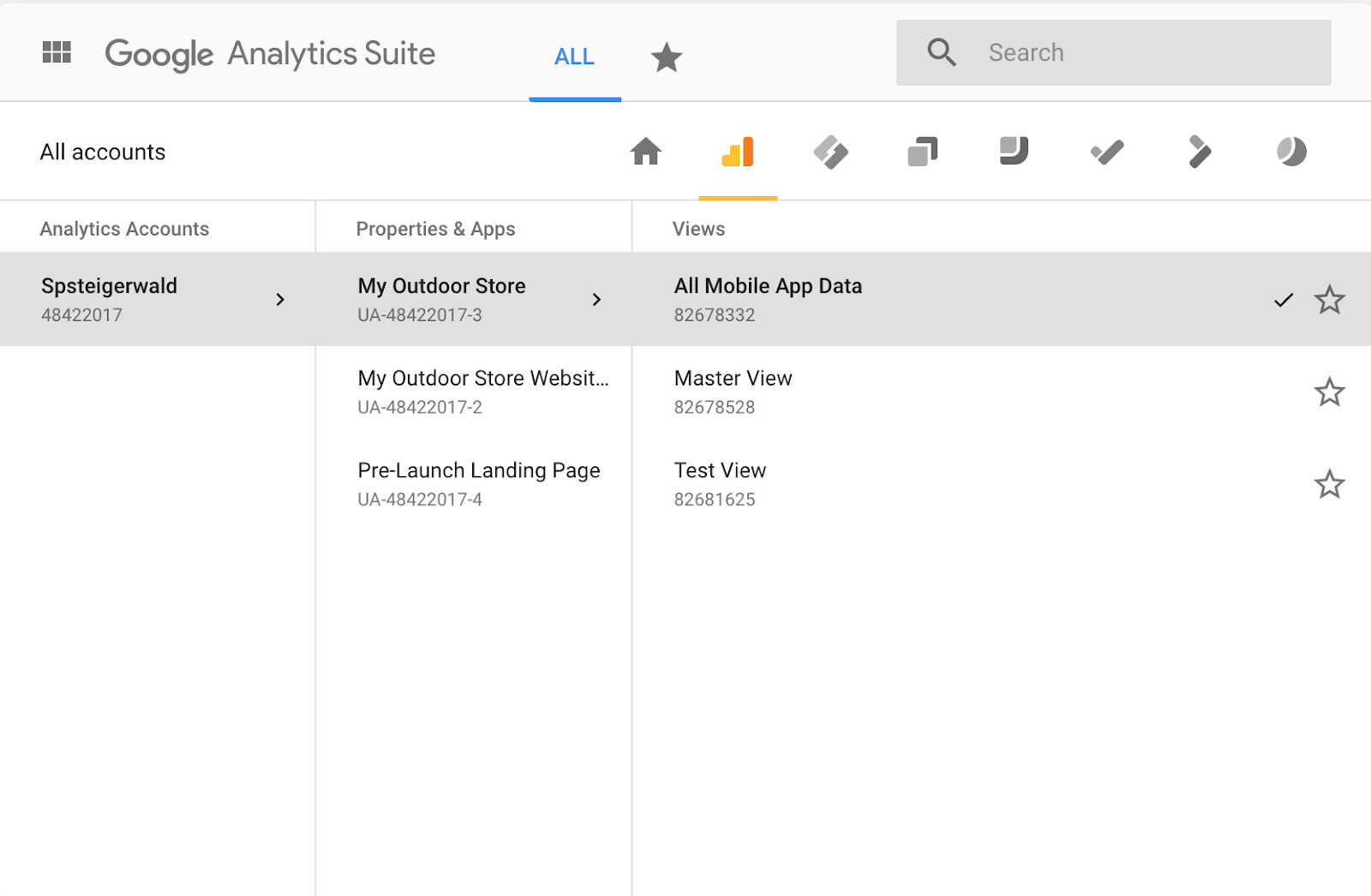
Your View ID is the number underneath the View you would like to collect data from. In this case, we want data from "Master View," which would be 82678528.